Pay attention for website builders
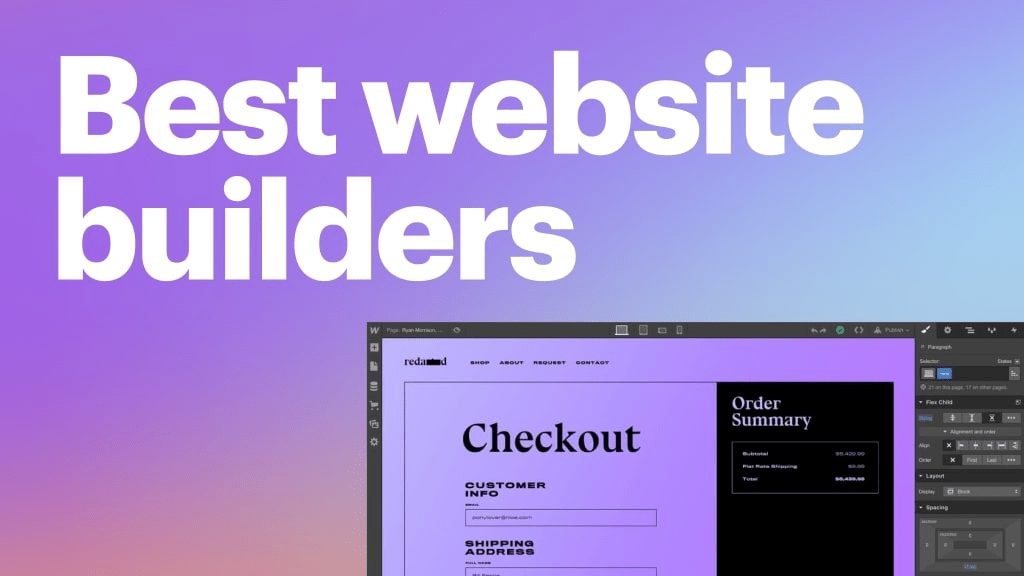
Building a successful website requires a clear purpose, user-friendly design, valuable content, and robust technical foundations. Start by understanding your target audience and their needs. Plan an organized layout, engaging visuals, and easy navigation. Create high-quality, relevant content, optimize for search engines, and ensure fast loading times. Maintain security, update regularly, and listen to user feedback. With a focus on user satisfaction and continual improvement, your website can thrive and achieve its goals. You have to be clear in building successful website that the below points should cover. Let’s begin with,
- Conceptualization and Planning:
- Determine the purpose and goals of the website.
- Define the target audience and user personas.
- Create a site map and define the website’s structure.
- Choose a domain name and hosting provider.
- Content Strategy:
- Develop a content plan.
- Create high-quality text, images, and multimedia content.
- Plan for SEO (Search Engine Optimization).
- Design and Layout:
- Design the website’s layout and user interface (UI).
- Choose a color scheme and typography.
- Create wireframes and mockups.
- Select design tools (e.g., Adobe XD, Sketch).
- Front-End Development:
- Write HTML, CSS, and JavaScript code.
- Ensure responsive design for different screen sizes.
- Use frameworks like Bootstrap or Foundation if needed.
- Accessibility considerations (e.g., ADA compliance).
- Back-End Development:
- Choose a server-side programming language (e.g., Python, Ruby, PHP).
- Set up a web server (e.g., Apache, Nginx).
- Develop server-side functionality (e.g., user authentication, database integration).
- Consider using a web framework (e.g., Django, Ruby on Rails).
- Database Setup:
- Select a database management system (e.g., MySQL, PostgreSQL).
- Design and create the database schema.
- Implement data storage and retrieval.
- Testing and Quality Assurance:
- Perform unit testing, integration testing, and user acceptance testing.
- Identify and fix bugs and issues.
- Ensure cross-browser compatibility.
- Deployment:
- Choose a hosting environment (shared hosting, VPS, cloud).
- Configure server settings and domain name.
- Deploy website files and database.
- Set up SSL certificates for security (HTTPS).
- Performance Optimization:
- Optimize website speed and load times.
- Implement caching mechanisms.
- Minify CSS and JavaScript files.
- Compress images.
- Security:
- Protect against common web vulnerabilities (e.g., SQL injection, cross-site scripting).
- Regularly update software and plugins.
- Set up a firewall and monitoring systems.
- Content Management and Updates:
- Choose a Content Management System (CMS) if needed (e.g., WordPress, Drupal).
- Train content creators and administrators.
- Establish a content update schedule.
- Marketing and Promotion:
- Develop a digital marketing strategy.
- Implement social media integration.
- Use tools like Google Analytics for tracking.
- Maintenance and Support:
- Provide ongoing maintenance and support.
- Regularly update content and software.
- Address user feedback and issues.
- Backup and Disaster Recovery:
- Set up regular backups of website data and files.
- Create a disaster recovery plan.
- Legal and Compliance:
- Ensure compliance with privacy laws (e.g., GDPR, CCPA).
- Create and maintain terms of service and privacy policy pages.
- Monitoring and Analytics:
- Implement tools for website performance monitoring.
- Analyze user behavior using analytics tools.
- Scaling and Growth:
- Plan for scalability as website traffic grows.
- Consider additional features and improvements.

 guruprasanth.business.blog